
Why Good Patch Management Is About More Than Installing Updates
Managed Cybersecurity • IT Support & Operations • Patch Governance • IT Strategy
Strategic Summary: Keeping third-party software updated is vital for closing security vulnerabilities, but unmonitored automated updates can disrupt daily business operations. IT Operations Lead Robin Martin examines a real-world software conflict, detailing how Si Futures balances security patching, functional requirements, and operational stability without compromising compliance.
While initial symptoms pointed toward hardware degradation or localized corrupted profiles, root cause analysis revealed a different origin.
When a Security Update Creates an Operational Dilemma
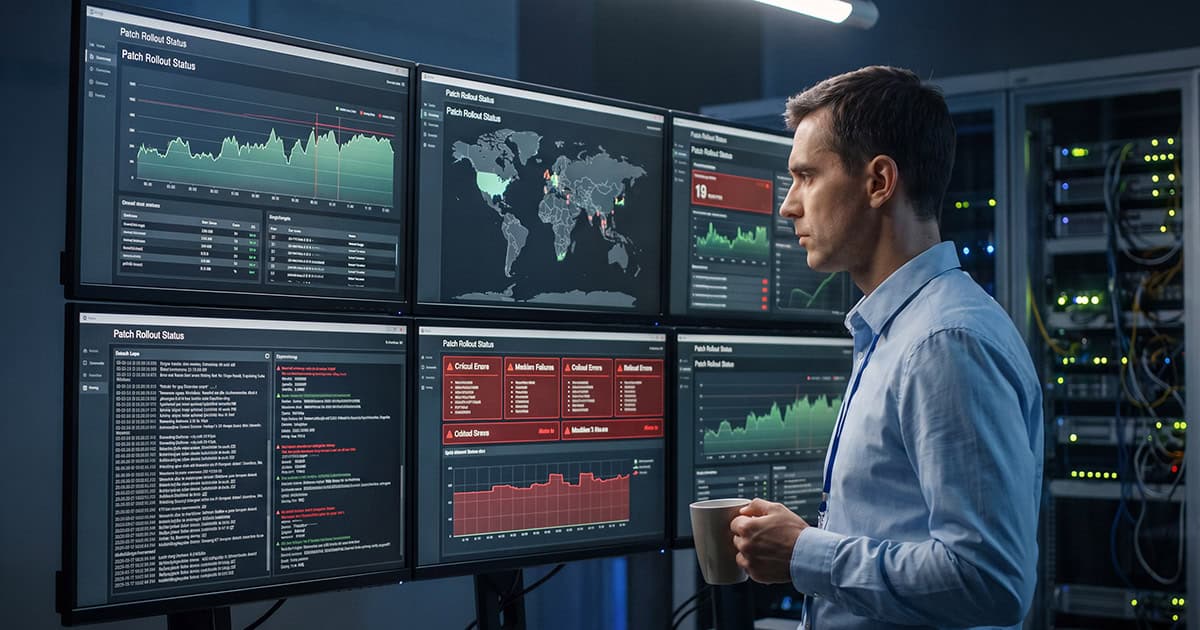
The performance degradation was triggered by an intentional, routine security action: an automated version deployment for a widely used third-party PDF application. Timely third-party patching is essential, as unpatched desktop utilities are a primary attack vector for zero-day exploits and initial access malware.
The challenge arose because the software vendor’s latest release contained an unannounced bug that degraded desktop rendering performance.
This created a classic IT operational conflict:
- Option A (Roll back): Revert to the previous application build, restoring user performance but reopening unpatched security vulnerabilities.
- Option B (Status quo): Leave the patched version intact, maintaining security compliance while severely impeding day-to-day business operations.
Neither option was acceptable.
Why “Just Roll It Back” Is a Security Trap
Reverting software builds is often seen as the quick fix for post-patch issues. From an end-user experience standpoint, it solves the immediate complaint. From a risk governance standpoint, it can introduce unacceptable security exposure.
When a patch addresses active, publicly disclosed vulnerabilities (CVEs), rolling back leaves endpoints exposed to target exploitation.
Rather than blindly uninstalling the security update, our engineering team analyzed the functional dependencies of the business. Certain teams required encrypted PDF opening for bank records; others relied on embedded digital signature workflows. Replacing the software required an alternative that supported these specific operational requirements securely.
Our objective was clear: restore daily business workflow productivity while keeping the endpoint fleet fully secured.
Patching Requires Active Management, Not Just Automation
Automation is vital for modern patch management. Without centralized deployment tools, updates fall behind, version drift accumulates, and known security gaps remain exposed across the fleet.
However, automation requires expert engineering oversight:
- Risk-Based Prioritization: Critical infrastructure patches and line-of-business applications carry different risk profiles and require tailored deployment rings.
- Staged Rollouts & Monitoring: Deploying updates to test groups before organization-wide execution catches vendor bugs early.
- Post-Deployment Telemetry: Verifying not just installation success, but monitoring system stability and user impact post-deployment.
This active oversight marks the fundamental difference between simply pushing updates and delivering true patch management governance.
“Security and productivity should not be treated as opposing forces. Effective IT governance minimizes the exposure window for known vulnerabilities while evaluating how software changes affect user workflows.”
Post-Deployment Care in Managed IT Operations
At Si Futures, identifying a bad software update is only step one. Resolving the issue means mapping workflow dependencies, selecting secure alternatives where necessary, and confirming the fix doesn’t introduce side effects elsewhere in the environment.
Our IT Support and Operations team looks beyond simple installation status logs. We actively monitor environment telemetry to ensure software updates maintain system health, application integrity, and business performance.
Combining this operational care with proactive Managed Cybersecurity ensures your organization stays protected against emerging threats without sacrificing day-to-day productivity.
Patch Governance Checklist for IT Leaders
Assess your current patch management framework against these core operational benchmarks:
- Deployment Ringing: Are updates staged across pilot user groups prior to organization-wide deployment?
- Third-Party Coverage: Does your patch policy cover third-party desktop tools alongside core operating systems?
- Incident Remediation Protocols: Do you have a structured process for handling vendor bugs without unpatching endpoints and exposing the business to risk?
